


What you need
- An iPhone or iPad with iOS 15 or later, or an Android phone with Android 7.0 or later.
- The Riffgame app. It's free to download.
- 40 riffs for a new game. New accounts get 40 free riffs, once per device.
- An idea for a game.
Step 1: Get the app and start as a guest
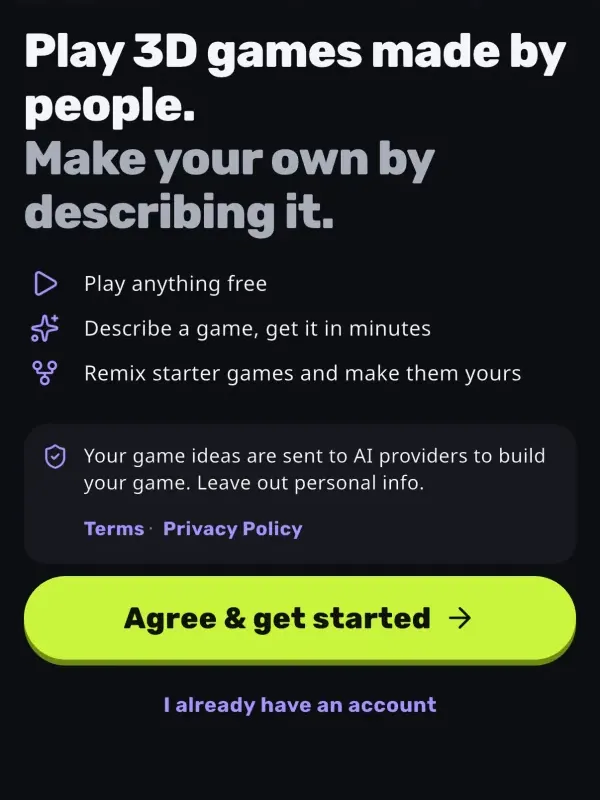
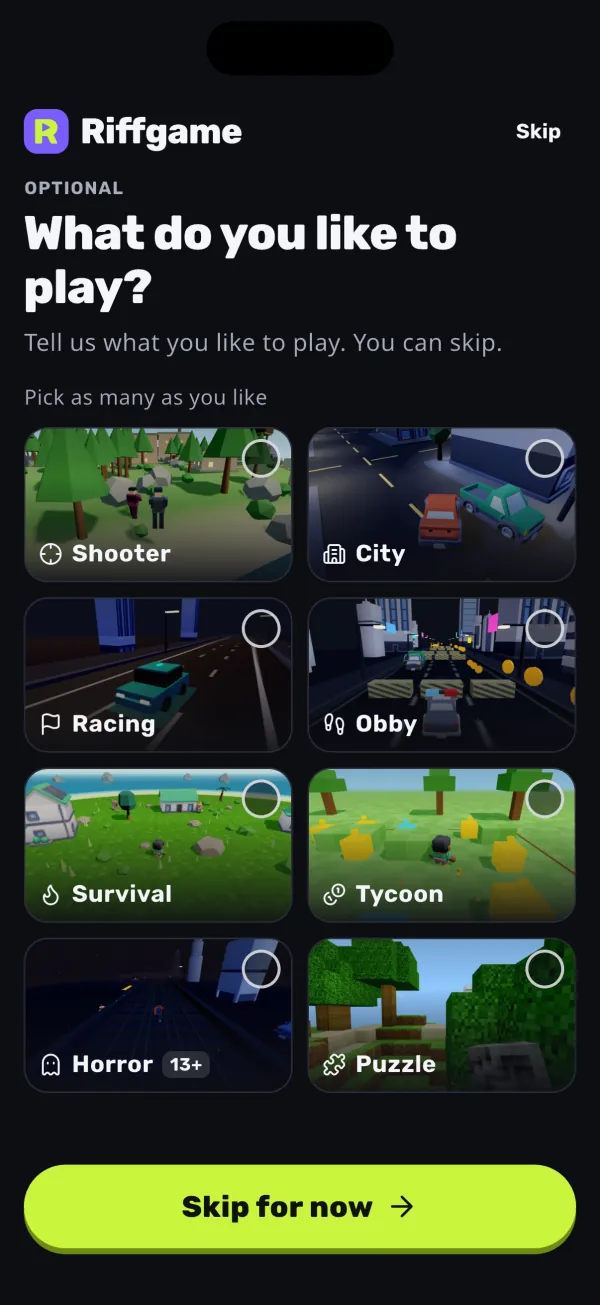
Download Riffgame from the App Store or Google Play and open it. You don't need to sign up. You start as a guest, with a username made for you.
The app tells you that your game ideas are sent to AI providers to build your game, and asks you to leave out personal information. Tap Agree & get started.
You can pick the kinds of games you like to play, or skip that step. Riffgame is for people aged 13 and up: the app asks for your birth year once, before you build or post, and never shows it on your profile.
To keep your games, riffs and purchases if you change phones, link your Google account, or your Apple account on iPhone and iPad. You can do this later.
Step 2: Write your idea
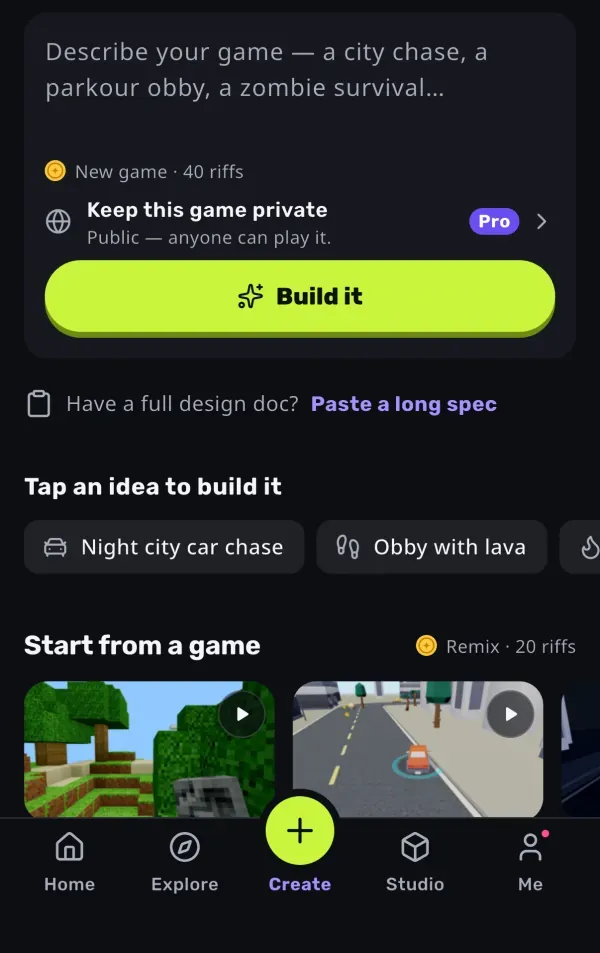
Open the Create tab. Under “What do you want to make?”, describe your game. Say what the player does, what the goal is, where it happens and how it should look. Keep it to one game with one goal.
Write it in your own language. The plan and the AI's replies come back in the language you write in.
- Weak: “a fun game”
- Better: “Obby with lava: jump across moving platforms over a lava lake to reach a flag at the top, with a checkpoint every 5 jumps.”
No idea yet? Tap one of the app's ideas, like “Parkour on rooftops at sunset” or “Lemonade stand tycoon”. Have a full design? Tap Paste a long spec and paste up to 12,000 characters: a design doc, a feature list or a story.
A real idea
City Coin Rush
A bright low-poly city block: run around with a joystick and jump, collect 30 gold coins scattered on streets, ramps and rooftops before a 90-second timer ends. Show coins left and time on screen. Fun, readable, cheerful.
Step 3: Check the plan
Riffgame reads your idea and shows “Here's the plan” with six parts: Title, Genre, Goal, Controls, Camera and Look. The camera can be Chase, First-person, Fixed, Orbit, Side or Top-down. Tap anything to change it.
Here's the plan
- Title
- City Coin Rush
- Genre
- Collector
- Goal
- Grab 30 coins in 90 s
- Controls
- Joystick + Jump
- Camera
- Chase
- Look
- Sunny city
Tap anything to change it.
New game · 40 riffs
Build itUnder the plan you see the price, “New game · 40 riffs”. When you're happy, tap Build it.
If you ask for something that isn't a 3D game, like a 2D game, a video or music, the AI answers in chat instead of building. Casino and gambling games are refused.
Step 4: Wait while the AI builds it
You see five steps: Plan, Build, Test, Polish and Publish, with a live line such as “Writing the game…” or “Testing on a phone-sized screen…”. A first look, a screenshot of your game, appears after the first test passes.
- Plan
- Build
- Test
- Polish
- Publish
City Coin Rush is ready
The build runs on Riffgame's servers. You can tap Go play while you wait, and the build keeps going even if you close the app.
Free accounts build 1 game at a time. Pro builds up to 3 at once.
If you cancel, the build stops right away, nothing is published and your riffs come back. If a build fails, your riffs come back too.
How long does it take?
A new game usually takes 10 to 20 minutes. In the week from 30 September to 7 October 2026, half of the new games people built were ready in about 13 minutes or less, and more than 9 in 10 were ready within 20 minutes. A change usually takes 5 to 10 minutes, and a remix a few minutes.
Step 5: Play it
When the build is done, the app says your game is ready and shows what's in it. Tap Play. The game opens in a browser view inside the app.
Every game has an on-screen joystick and game buttons such as Jump, Fire or Boost. Swipe to look around and pinch to zoom.
The AI checks that the game loads, but it doesn't play it. You are the playtester: try it and note what to change.
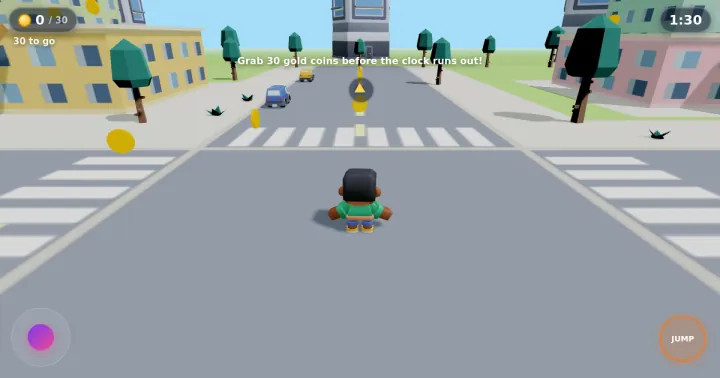 Try a real one: play City Coin Rush →
 Step 6: Change it by chatting
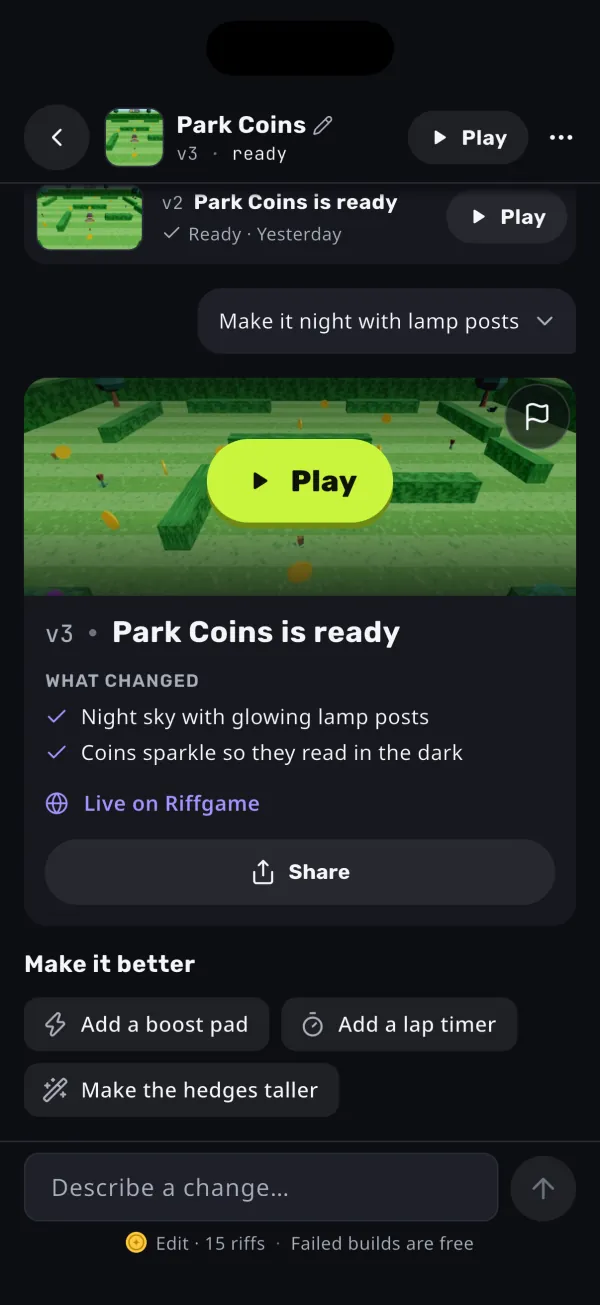
Open your game's thread and describe a change, like “add a boss fight”, “make it night” or “add a lap timer”. The app also suggests ideas under Make it better.
A change costs 15 riffs and usually takes 5 to 10 minutes. Each change makes a new version. Older versions are kept, and you can still play them in Studio → Versions.
Good to know: 40 free riffs make one new game. After that, a change needs riffs from a riff pack or Pro.
Step 7: Share it
Tap Share to copy the link or send it in WhatsApp, X, Messages or another app. Anyone with the link can play, with no app and no account.
If you're 18 or older, your new game is already public on Riffgame once it passes an automatic check:
- Public games appear in Explore, where people can play them, like them and follow you.
- Other players with Pro can remix your public games unless you turn Allow remixes off.
- With Pro, you can keep a game private or share it by link only.
- Teens' games stay private. If a teen shares one, it is shared by link only and never appears in Explore.
- Titles must not use the name of another game or brand.
Or start from a game
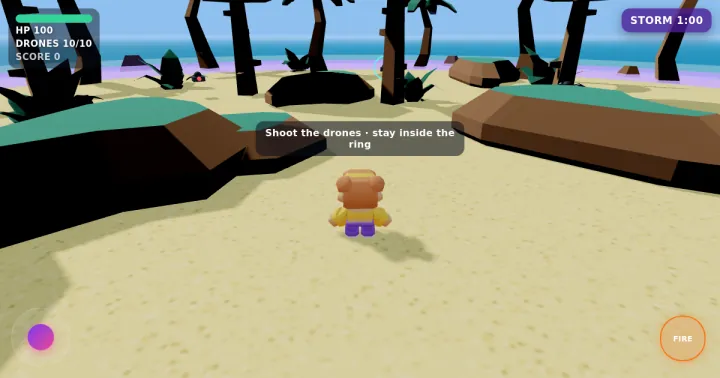
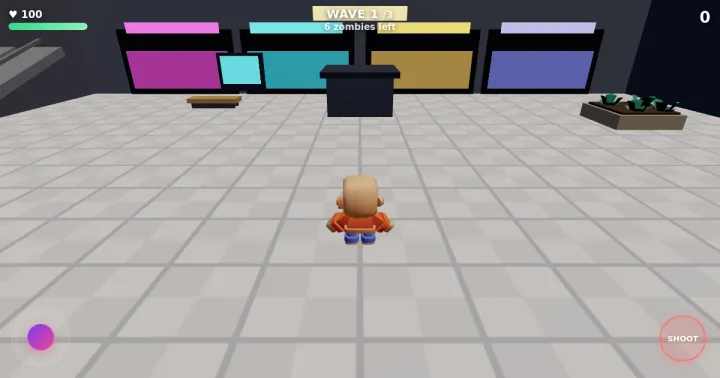
You don't have to start from nothing. Remix a starter game made by the Riffgame team for 20 riffs, and your first change is included. With Pro, you can also remix community games whose creators allow it. A remix is your own copy (public by default if you're 18 or older; Pro can keep it private), the original creator stays credited, and their prompt stays private. A remix is usually ready in a few minutes.
Starter games you can remix:
What Riffgame can't do
- No 2D games, videos or music. If you ask for one, the AI answers in chat instead of building.
- No online multiplayer, leaderboards or cloud saves inside games.
- No web or desktop version. You create in the Riffgame app for iPhone, iPad or Android.
- No casino or gambling games. They are refused.
- The AI checks that your game loads on a phone-sized screen. It doesn't play the game for you.
Quick answers
- Do I need to know how to code?
- No. You describe the game in words. The AI writes the code.
- Can I do this on a computer?
- Riffgame has no web or desktop version. You make games in the Riffgame app for iPhone, iPad and Android. The games you make also play in a browser on a computer.
- How much does it cost?
- The app is free and playing is free. A new game costs 40 riffs, and new accounts get 40 free riffs, once per device. See Riffgame pricing.
- Do my friends need the app?
- No. They tap the link and play in their browser.