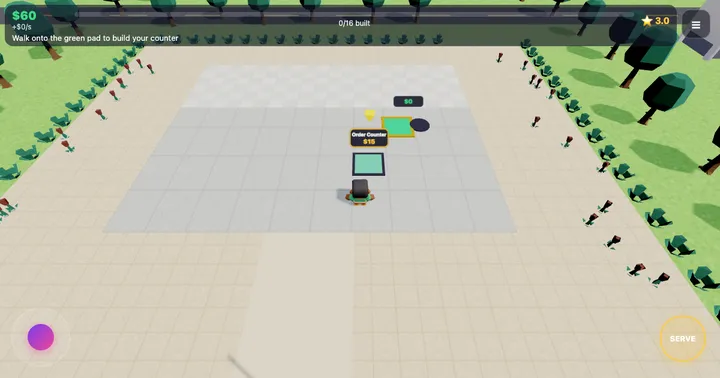
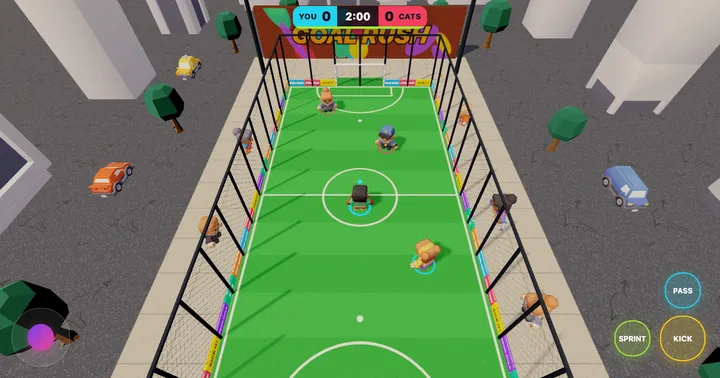
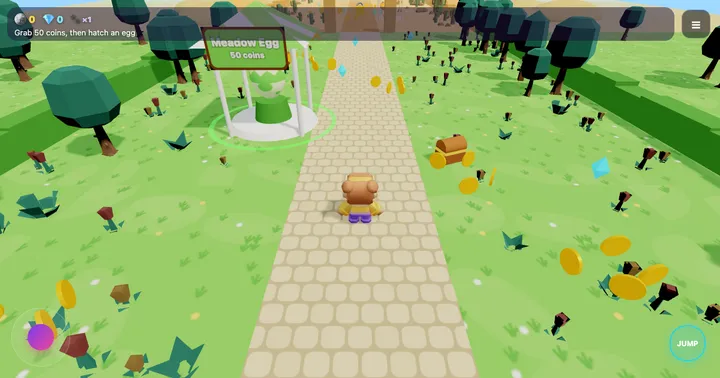
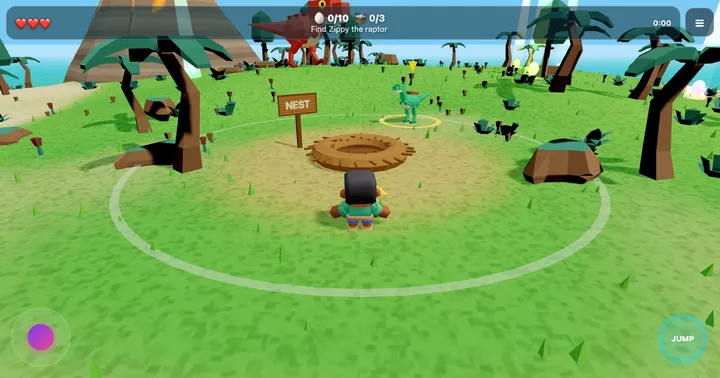
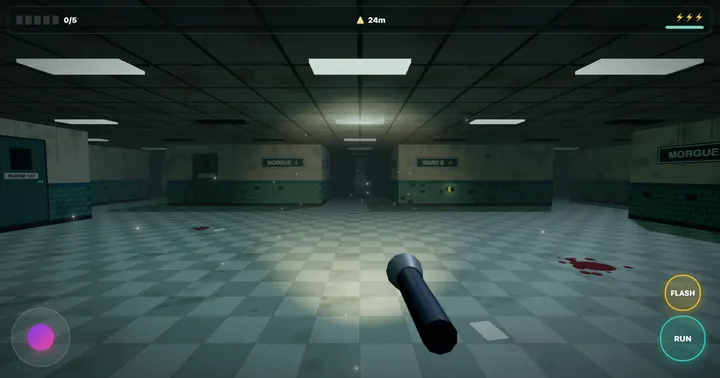
How to turn your text into a game
- Get the app. Riffgame is free on the App Store and Google Play. Start as a guest.
- Type your prompt on the Create tab, in your own language.
- Check the plan: title, genre, goal, controls, camera and look. Change anything, then tap Build it.
- Play it when it's ready, then change it by chatting and share the link.
The full walkthrough with real screens is in the step-by-step guide.
Write a prompt like these
Every idea above has the same four parts. Copy the pattern:
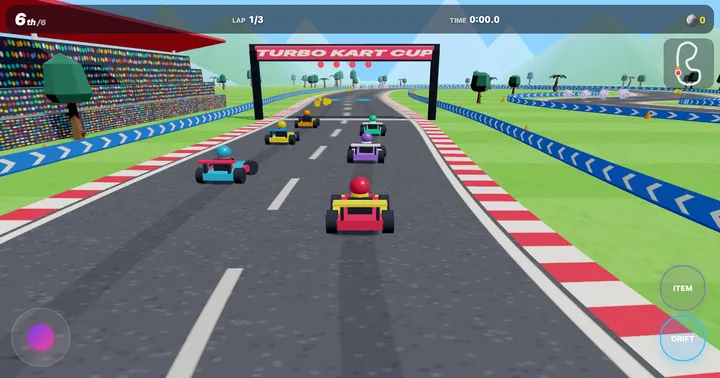
- The kind of game and the place: “kart racing on a sunny cup circuit”.
- What the player does: “drift through turns for a mini-turbo”.
- The goal: “finish first after 3 laps”.
- What gets in the way: “5 rival karts and bananas on the track”.
Fill in the blanks
[kind of game] in [place]: [what the player does], [goal], while [danger]. [Look: time of day, colors, style].
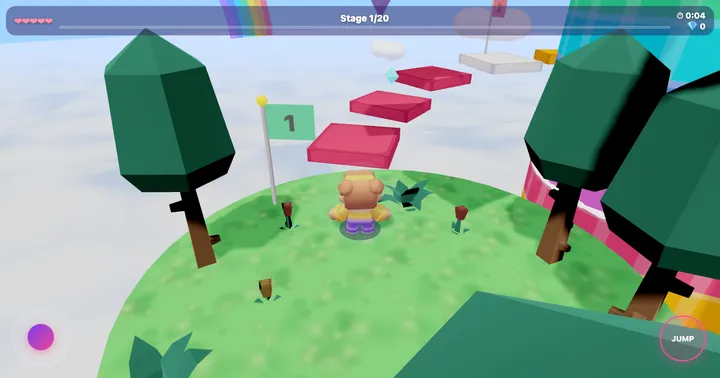
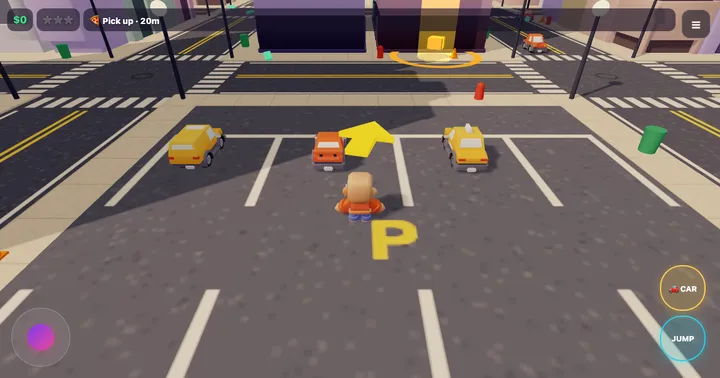
Not sure what to make? The app has ideas you can tap, and the 11 genres are a good starting list: Adventure, City, Collector, Horror, Obby, Puzzle, Racing, Shooter, Sports, Survival, Tycoon.
What text-to-game can't do here
- It makes 3D single-player games. No 2D, multiplayer, video or music.
- No casino or gambling games, and titles can't use another game's or brand's name.
- The AI checks that the game loads, not that it's balanced. Play it and ask for changes.
Quick answers
- Is there an AI that turns a text prompt into a playable game?
- Yes. In Riffgame for iPhone, iPad and Android you type a prompt, check the plan, and an AI agent builds a playable 3D game, usually in 10 to 20 minutes. It gets a link anyone can play in a browser.
- How long should my prompt be?
- One sentence is enough to start. Two to four sentences with the goal, the danger and the look give better games. You can paste up to 12,000 characters.
- What kinds of games can it make?
- 3D single-player games: adventure, city, collector, horror, obby, puzzle, racing, shooter, sports, survival, tycoon and more. No 2D games, multiplayer, videos or music.
- Can I start from one of these games?
- Yes. Remix any of them in the app for 20 riffs, and your first change is included. You get your own copy to change by chatting.
- How much does it cost?
- Playing is free. A new game is 40 riffs. New accounts get free riffs to start, once per device. See pricing.
Turn your idea into a game